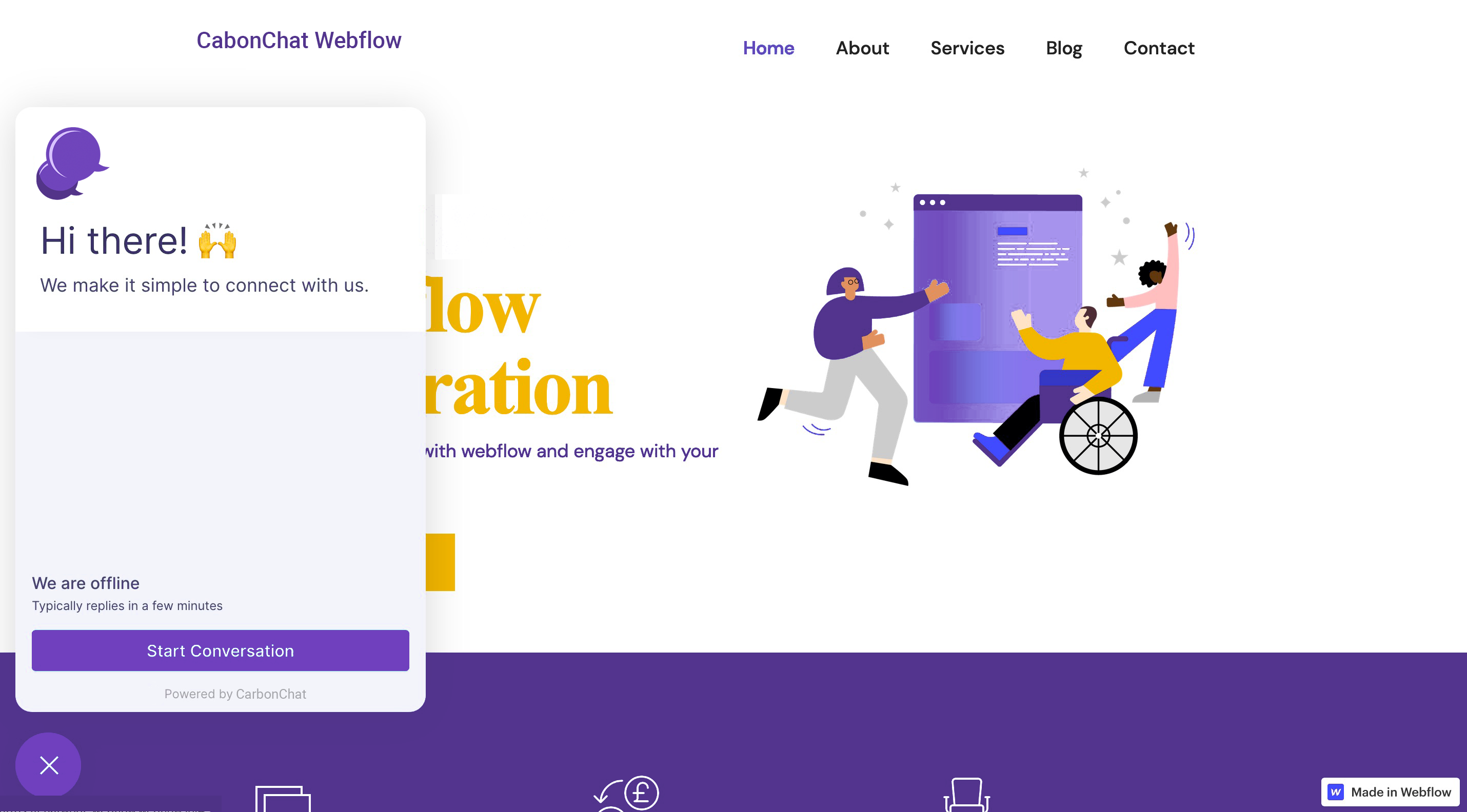
# Integrating CarbonChat with Webflow website
Add CarbonChat live chat widget to talk to your Webflow website visitors in Realtime. CarbonChat helps you to chat with your visitors and provide exceptional support in Realtime. To use CarbonChat as your website live chat, follow the steps described below.
# 1. Create a website inbox in CarbonChat
Refer to Website Channel (opens new window) document.
# 2. Install the generated script in Webflow
# Go to website settings
Login to your Webflow account and select your website. Select Settings
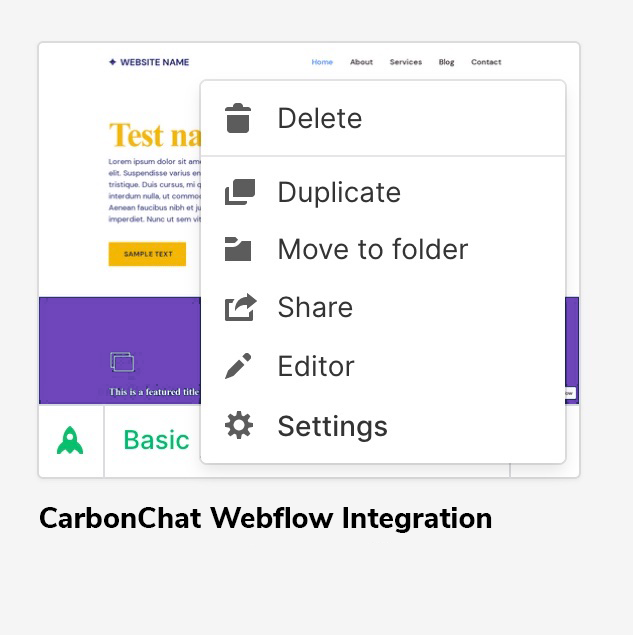
# Paste the script in Footer Code in Webflow
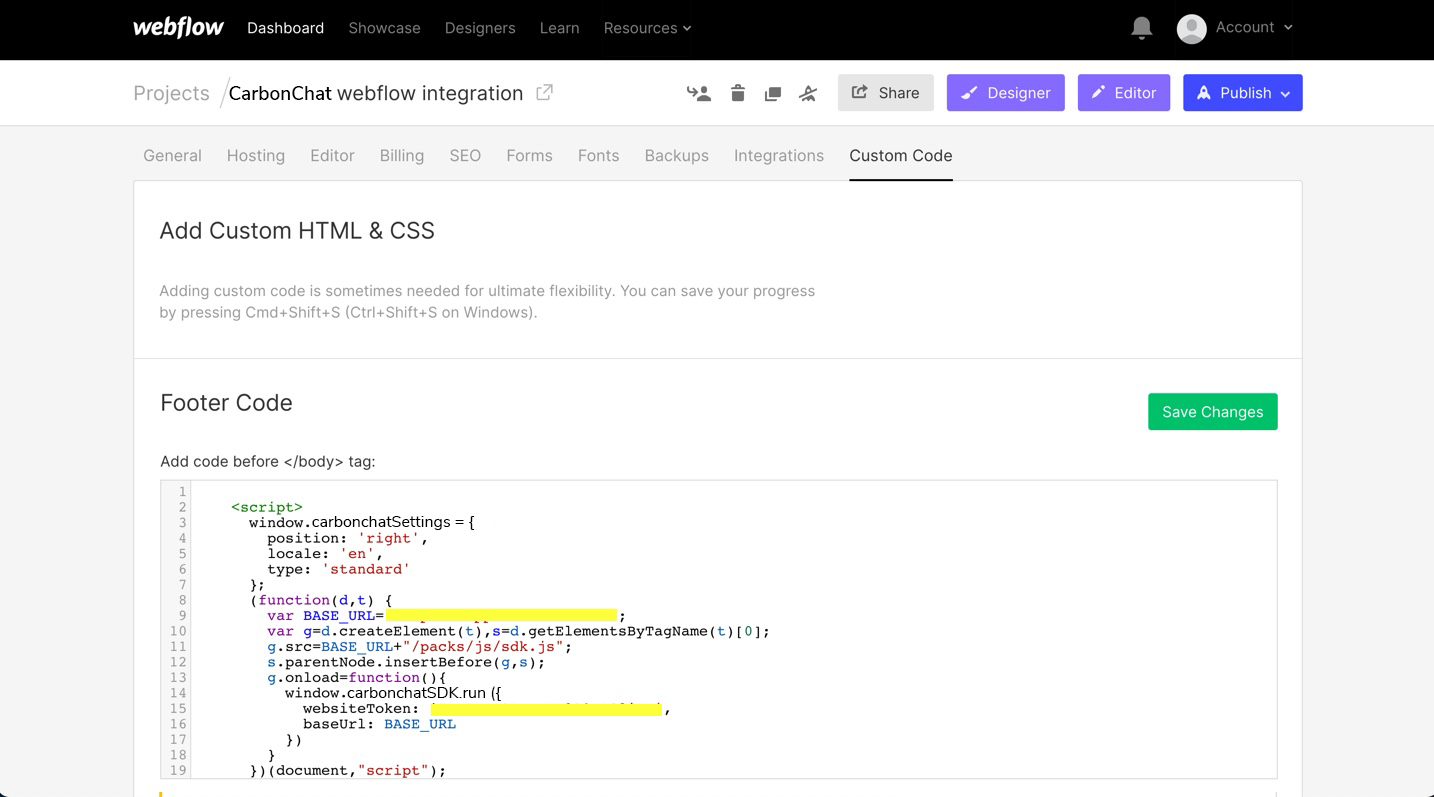
Go to Custom Code -> Footer Code. Paste the script in Footer Code section and save the changes.
# 3. Publish the changes
Click on Publish -> Select the website -> Publish to selected domains.
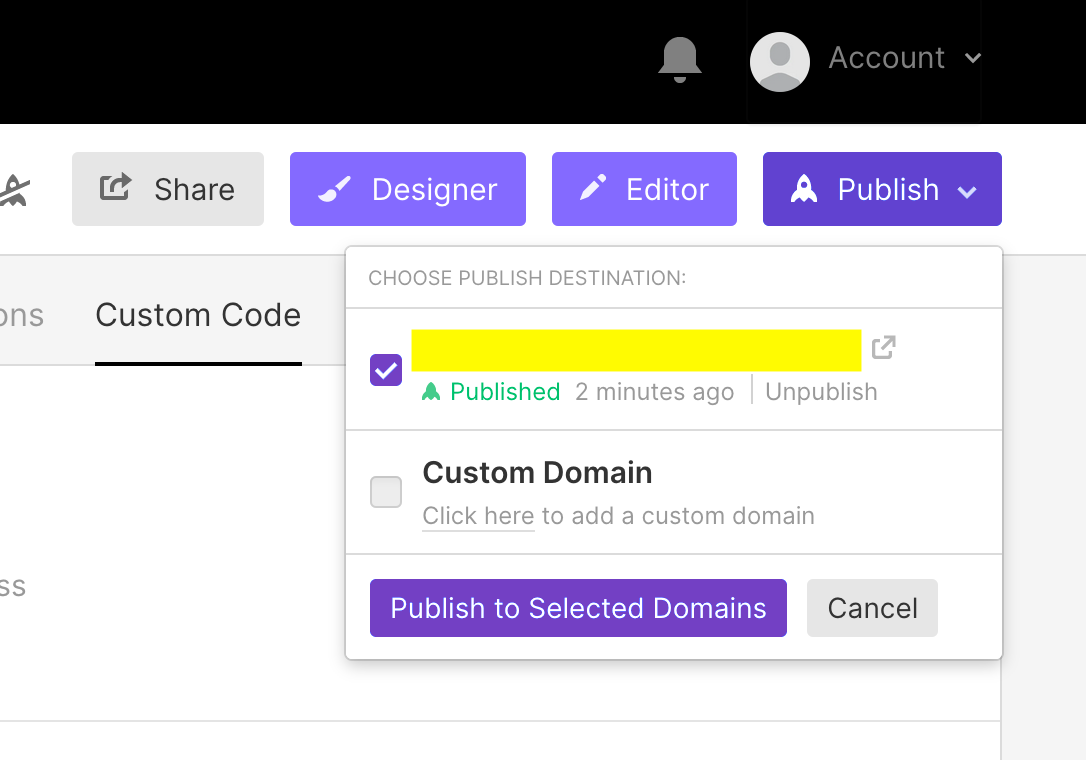
You have successfully integrated CarbonChat with Webflow.