
# Applications
CarbonChat has Dialogflow application already collaborated. This feature helps in creating automated responses in your conversation window. Let the bot handle the queries before handing them off to a customer service agent.
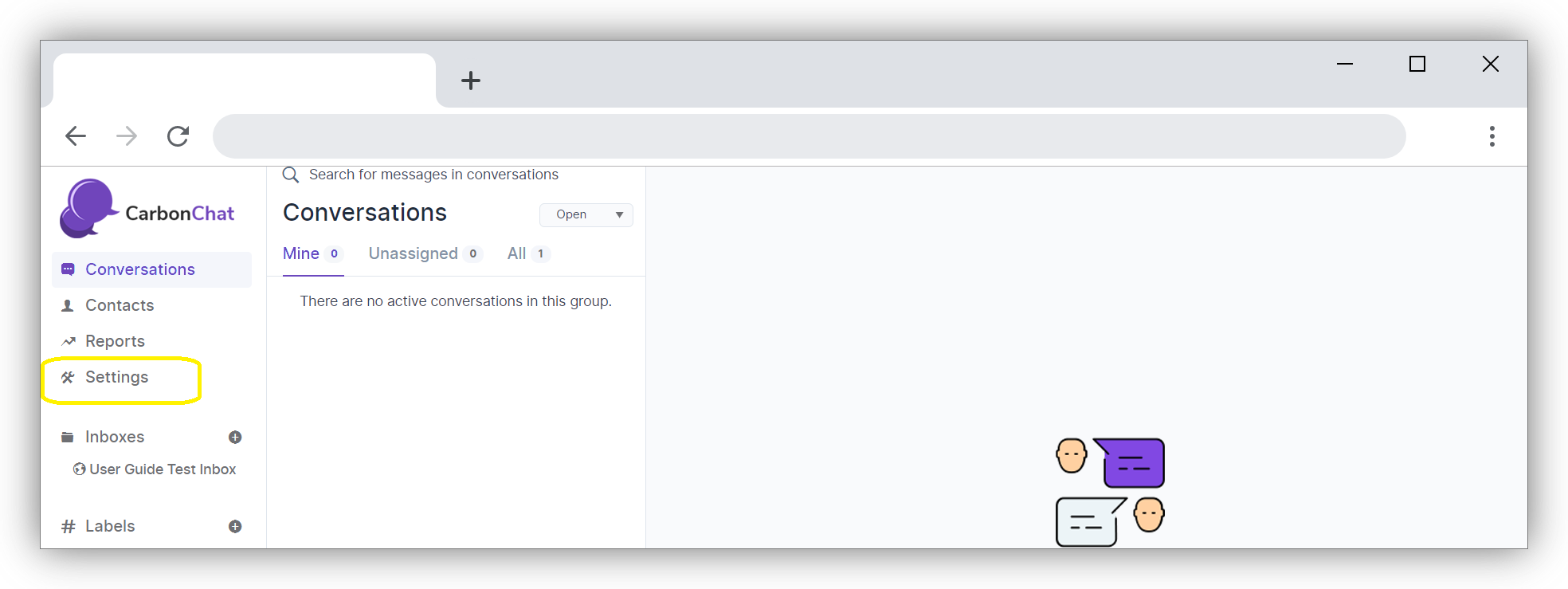
Click on 'Settings' on CarbonChat Dashboard Home Screen.
Next, click on 'Applications' on left side Menu bar.
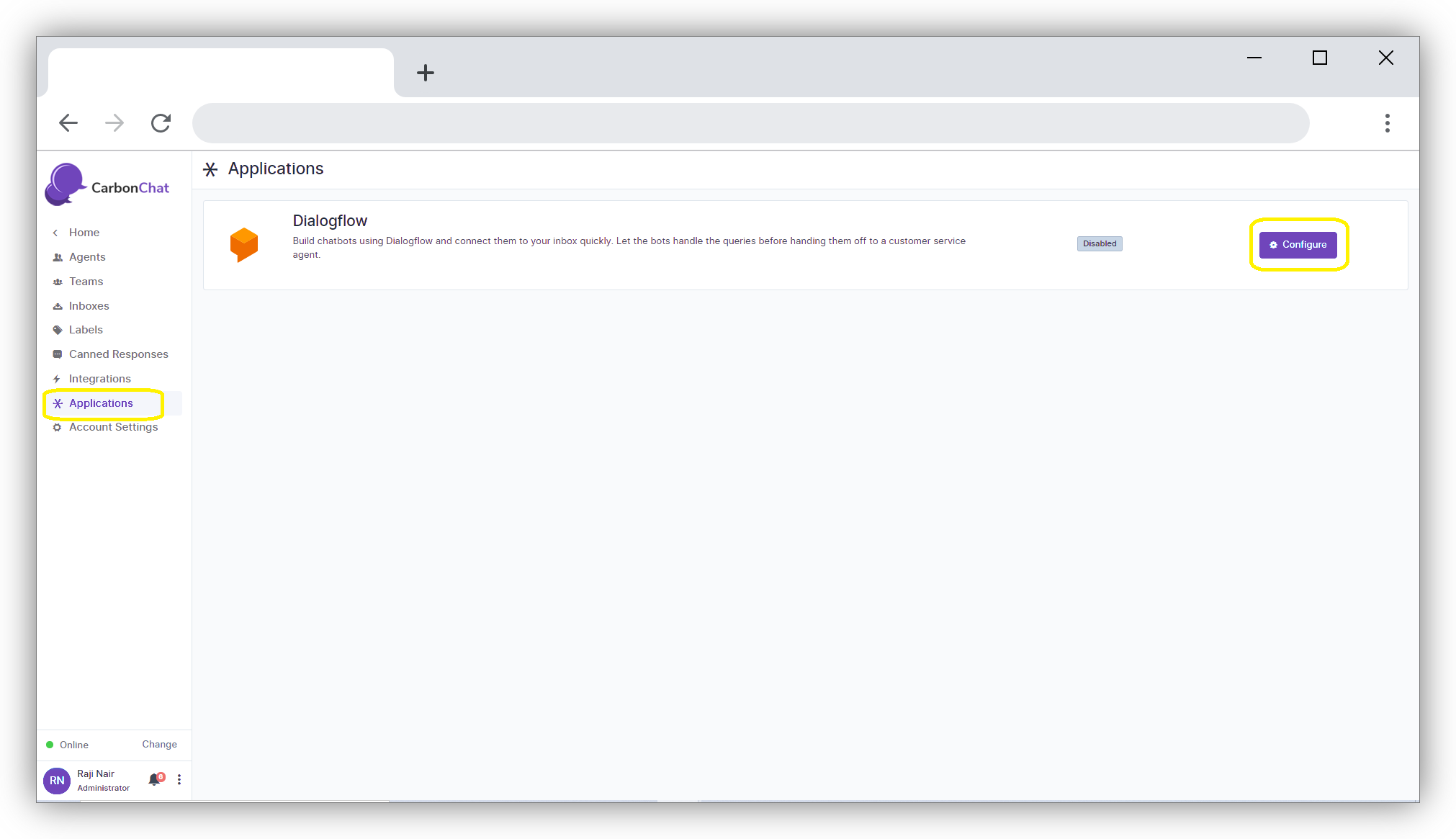
The Application screen will open up. Click on Configure button against Dialogflow. The below window opens up.
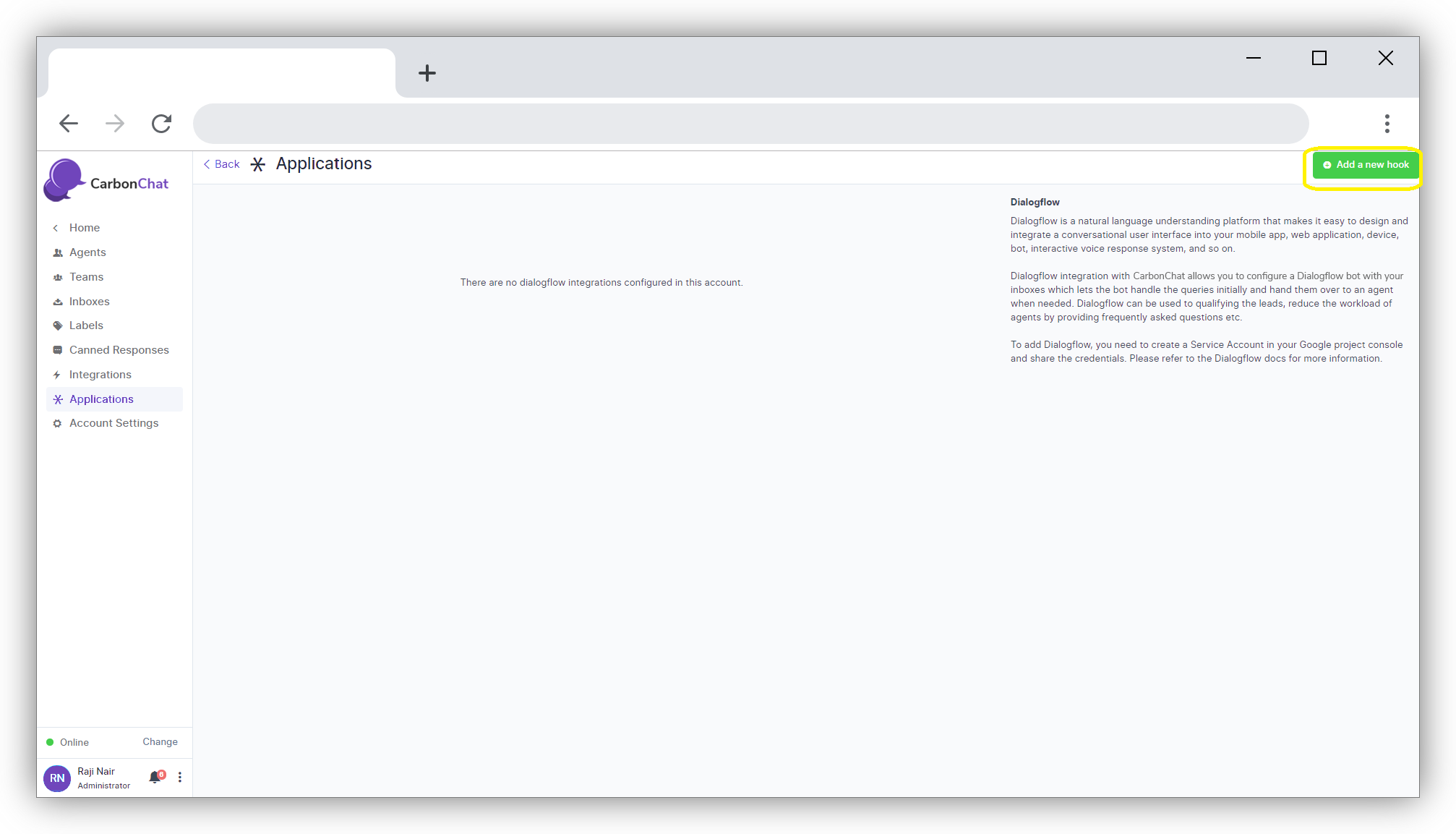
Click on add a new hook button on the right-hand top side of the screen. A new screen opens up where you can enter the Dialog flow ID and Key file that you already have registered.
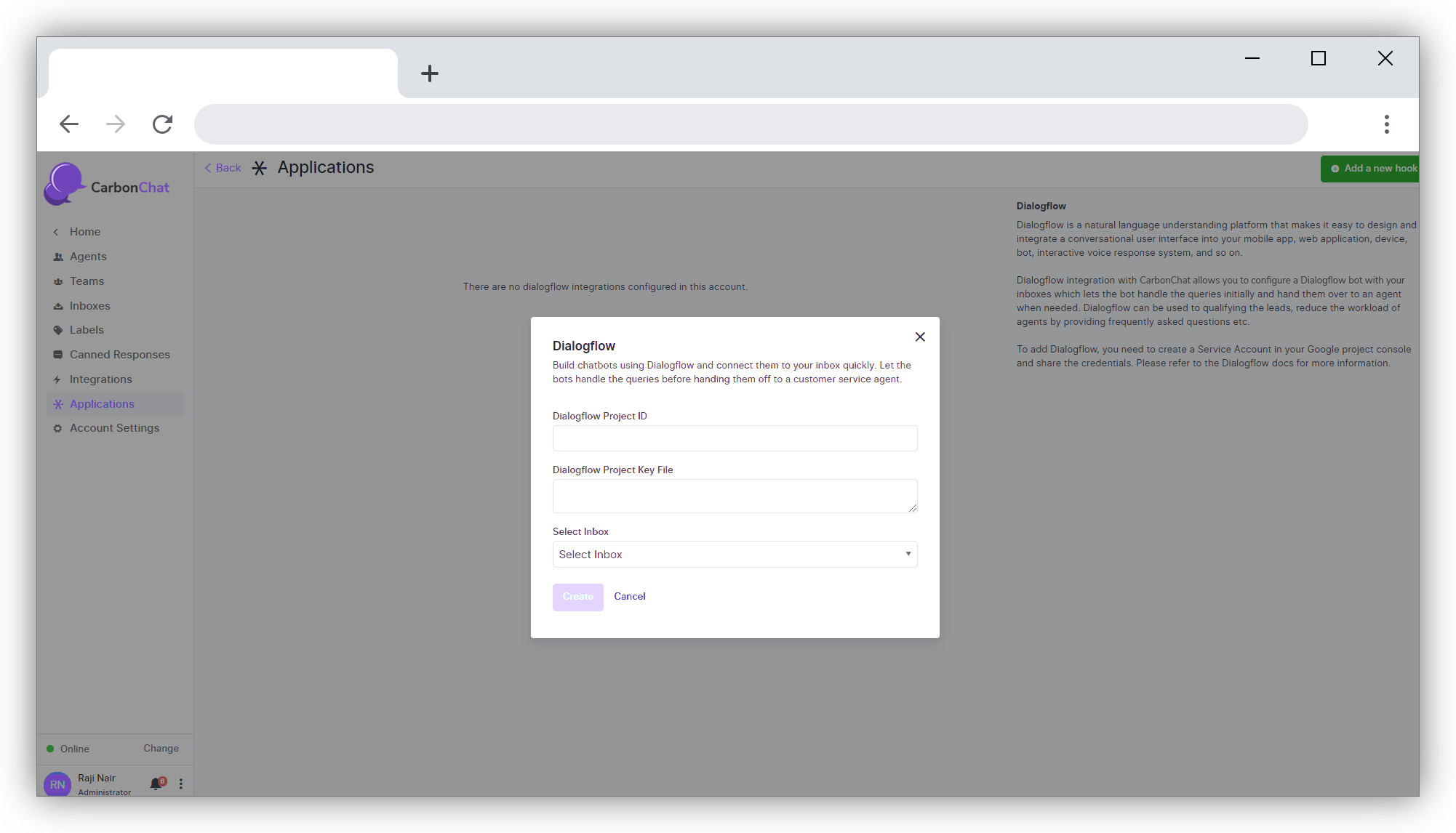
| Field Name | Value | Remarks |
|---|---|---|
| Dialogflow Project ID | Give a name for your project | |
| Dialogflow Project Key File | Give the key file name | |
| Select Inbox | Select the inbox from the drop-down list to which you want to associate this project | eg: select 'User Documentation' Inbox |