
# How to create an API channel inbox?
Setting up an API channel consists of the following steps.
- Create API Channel inbox
- Send messages using CarbonChat APIs
- Receive webhooks on new messages from CarbonChat
This document allows you to create and configure an API channel inbox in CarbonChat installations.
Step 1: Go to Settings > Inboxes and click on "Add Inbox".
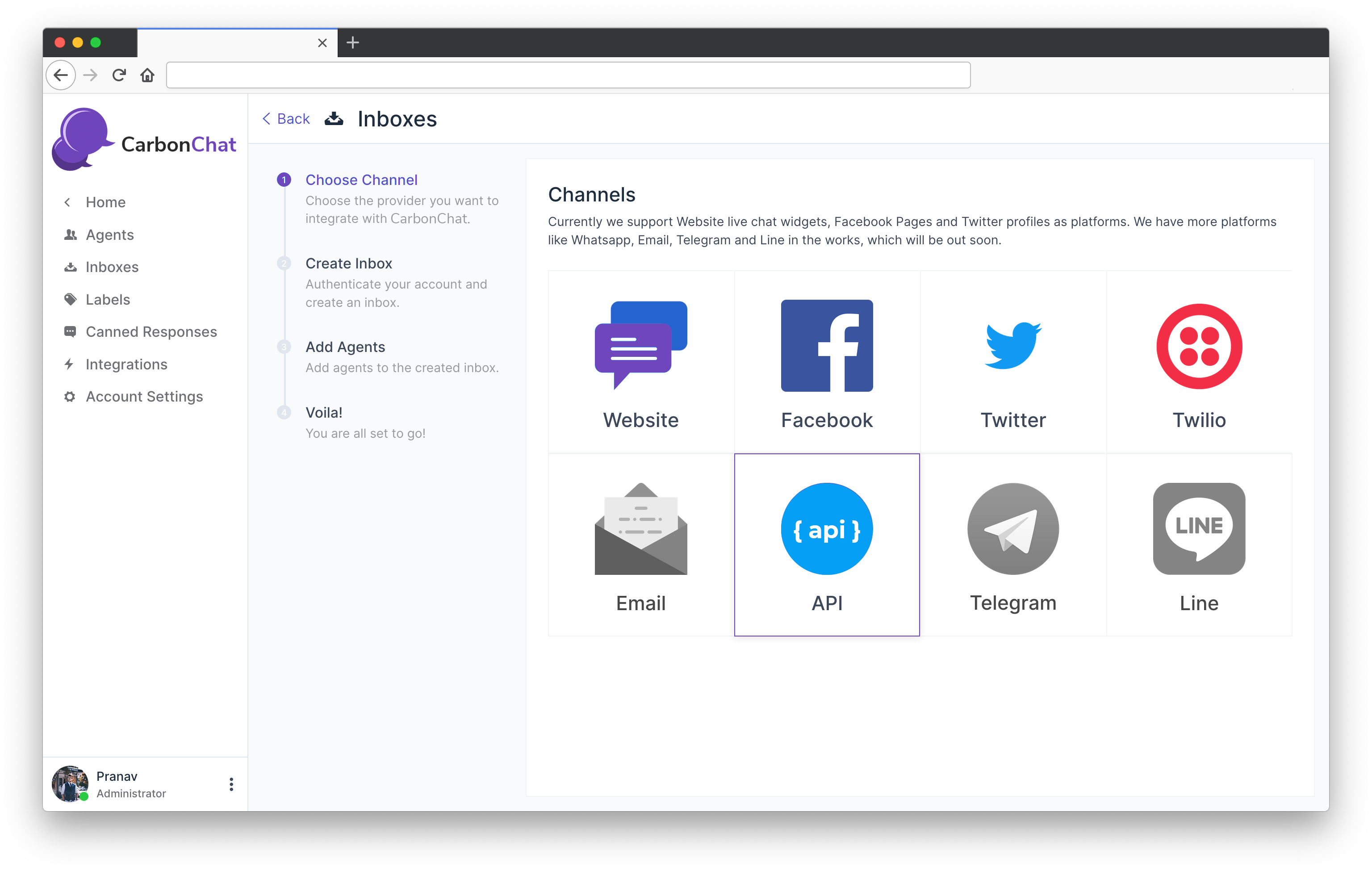
Step 2: Select API from the list of channels.
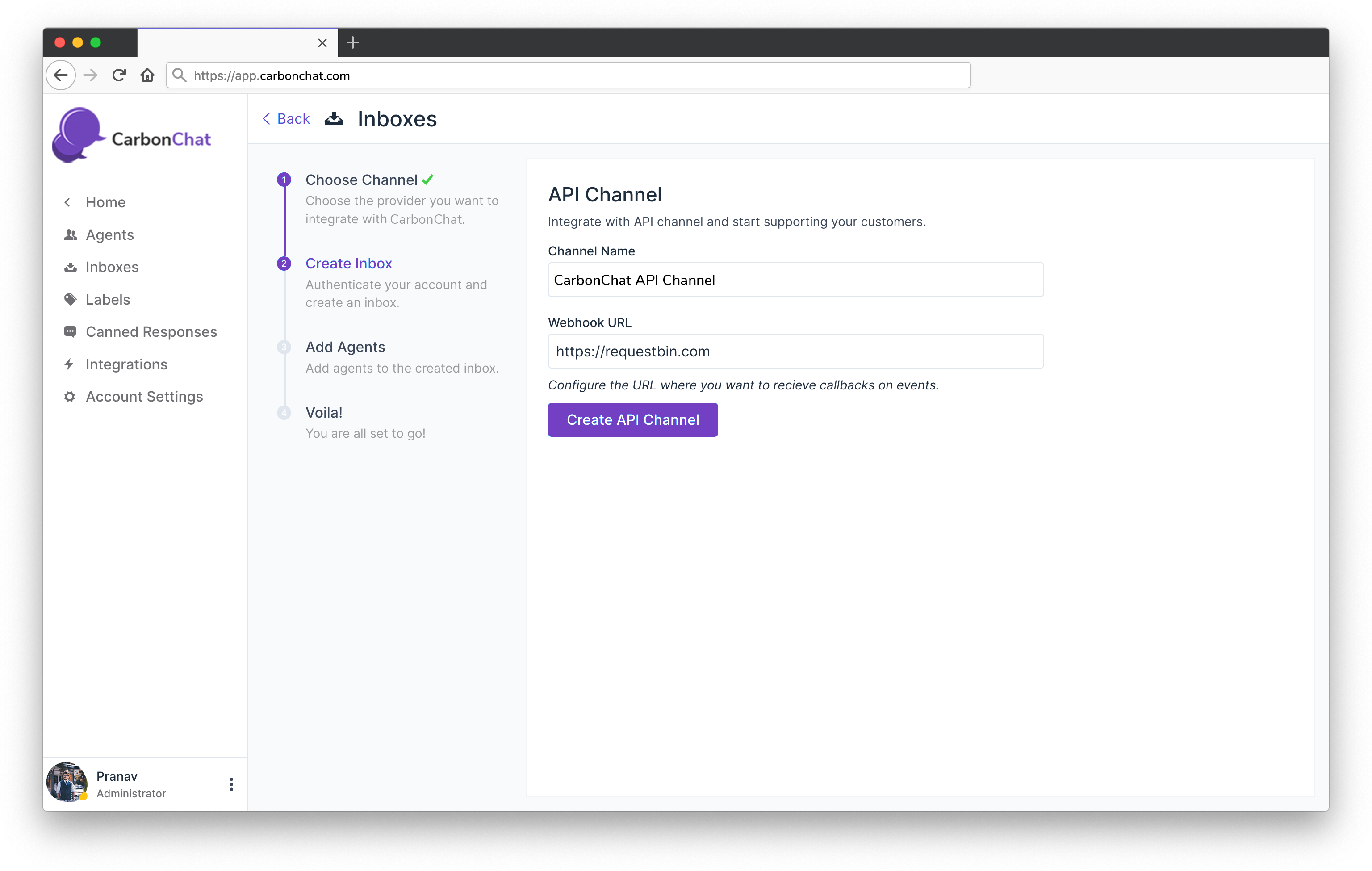
Step 3: Provide a name for the channel and a callback URL (the events and corresponding payload is defined in the subsequent articles).
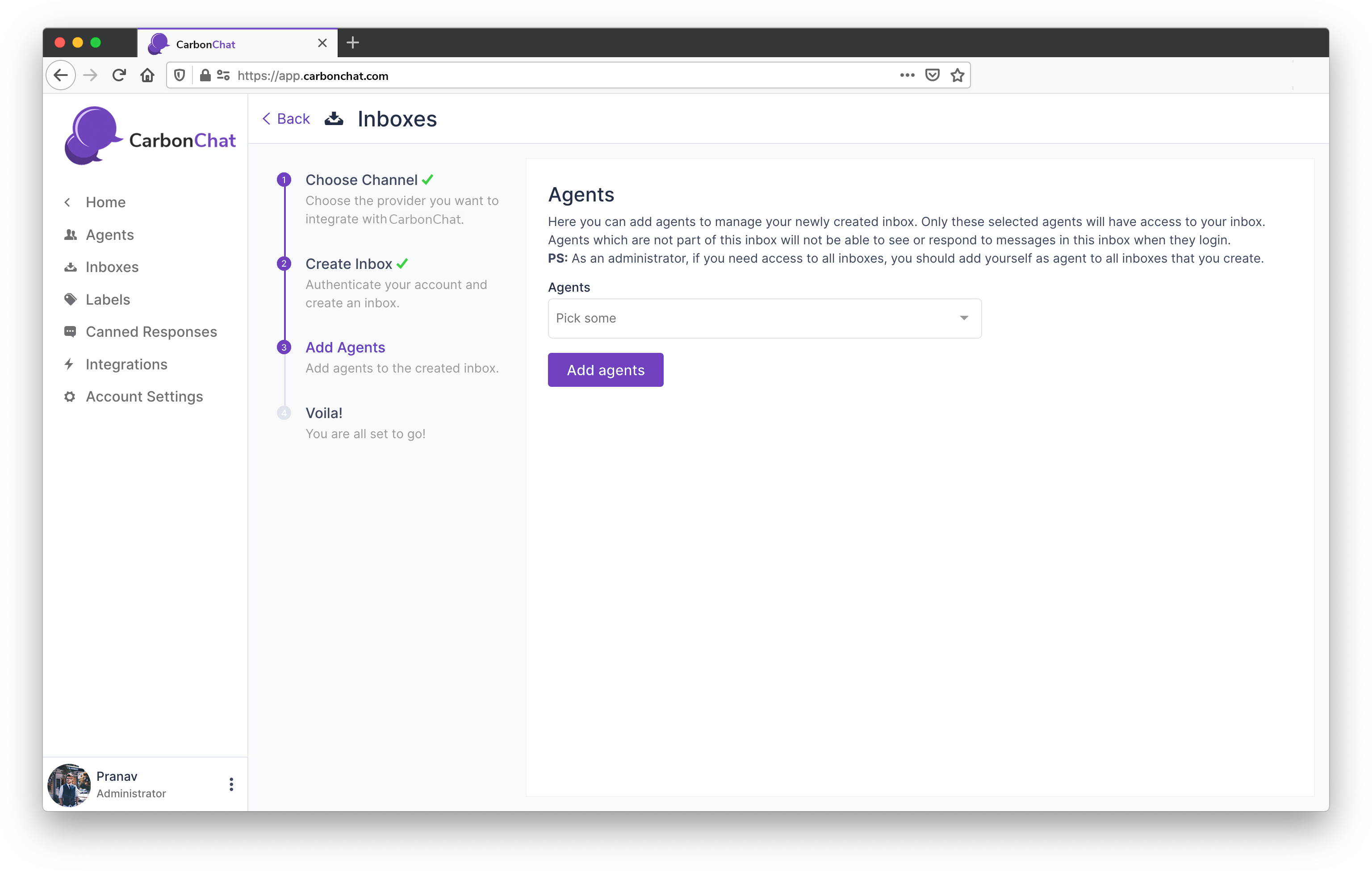
Step 4: Add agents to the inbox.
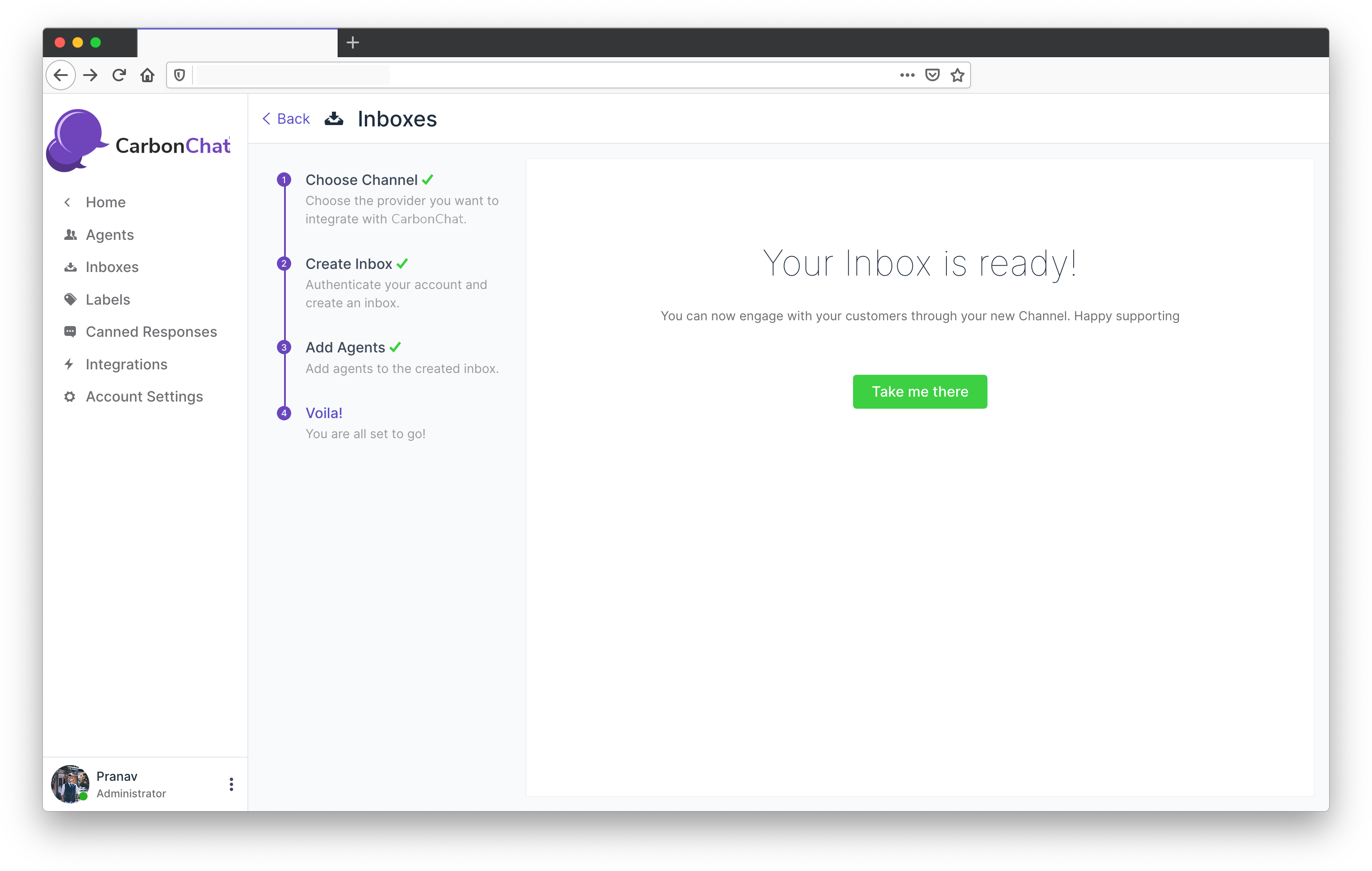
Step 5: The inbox setup is complete.
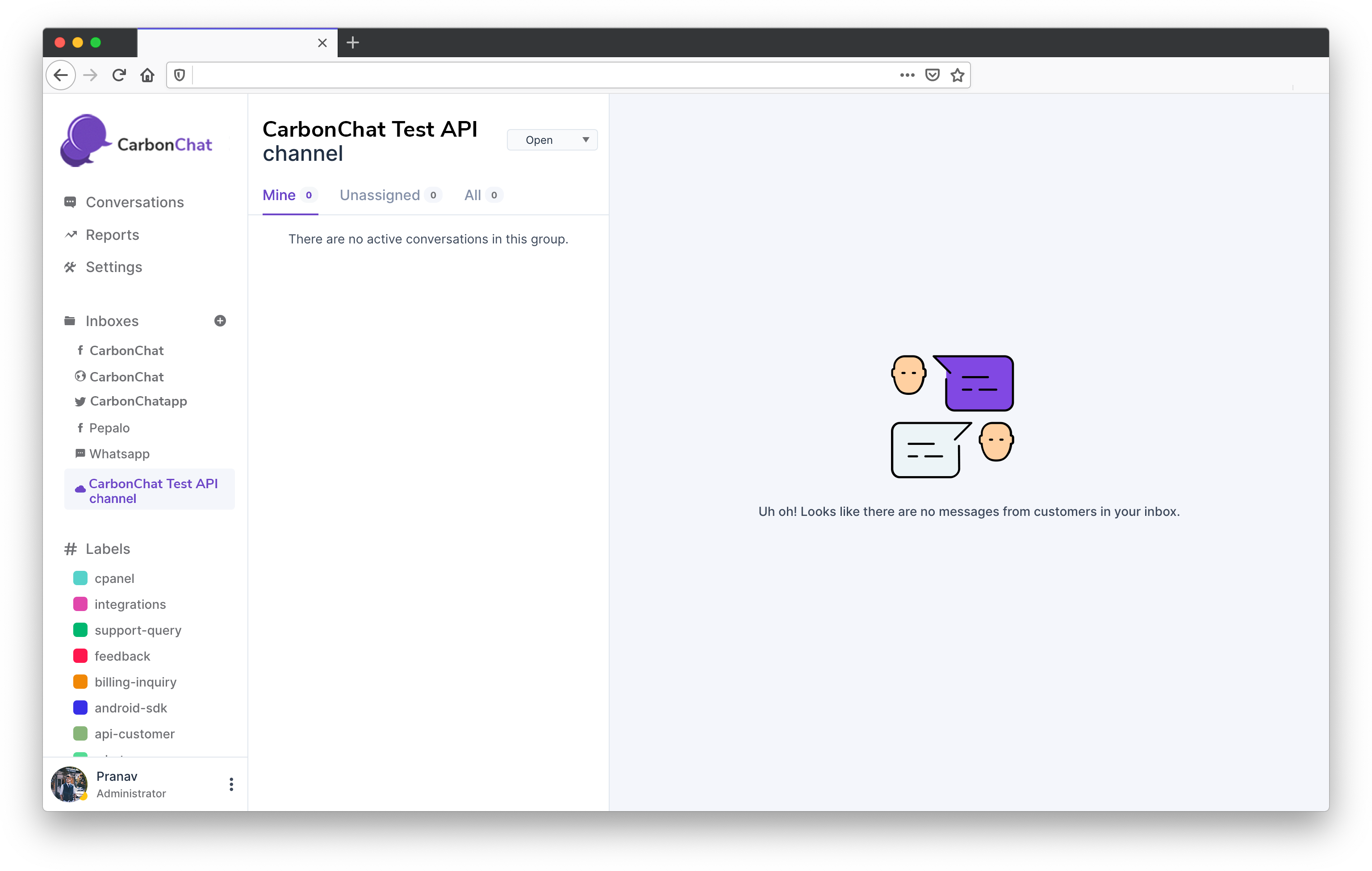
Now the channel setup is complete, let us try to send a message using CarbonChat APIs. Read more about it here (opens new window)